Templates and Publications
Two ways to reuse what you set up in Normain, as a starting point to build on or as a finished tool.
Templates and Publications are two ways to reuse what you set up in Normain. A template is a starting point you build on: save a setup once, and the next person can use it on their documents. A publication is a finished tool: a branded web page where someone drops in their documents and gets the result back, without seeing how it was built.
Templates
Templates let you capture a setup once and reuse it, so teams work to the same standard.
This is one of the most powerful things in Normain: your best expert sets the work up once, gets it right, and everyone on the team then runs to that same level instead of starting from scratch. There are two kinds.
- Extraction template - captures one Extraction’s structure (its insights, files, and mode). Reuse it as a new Extraction, or as a step inside a Workflow.
- Project template - captures a whole Workflow (Workflows are the earlier way of chaining several Extractions; new multi-step work is built as a Notebook).
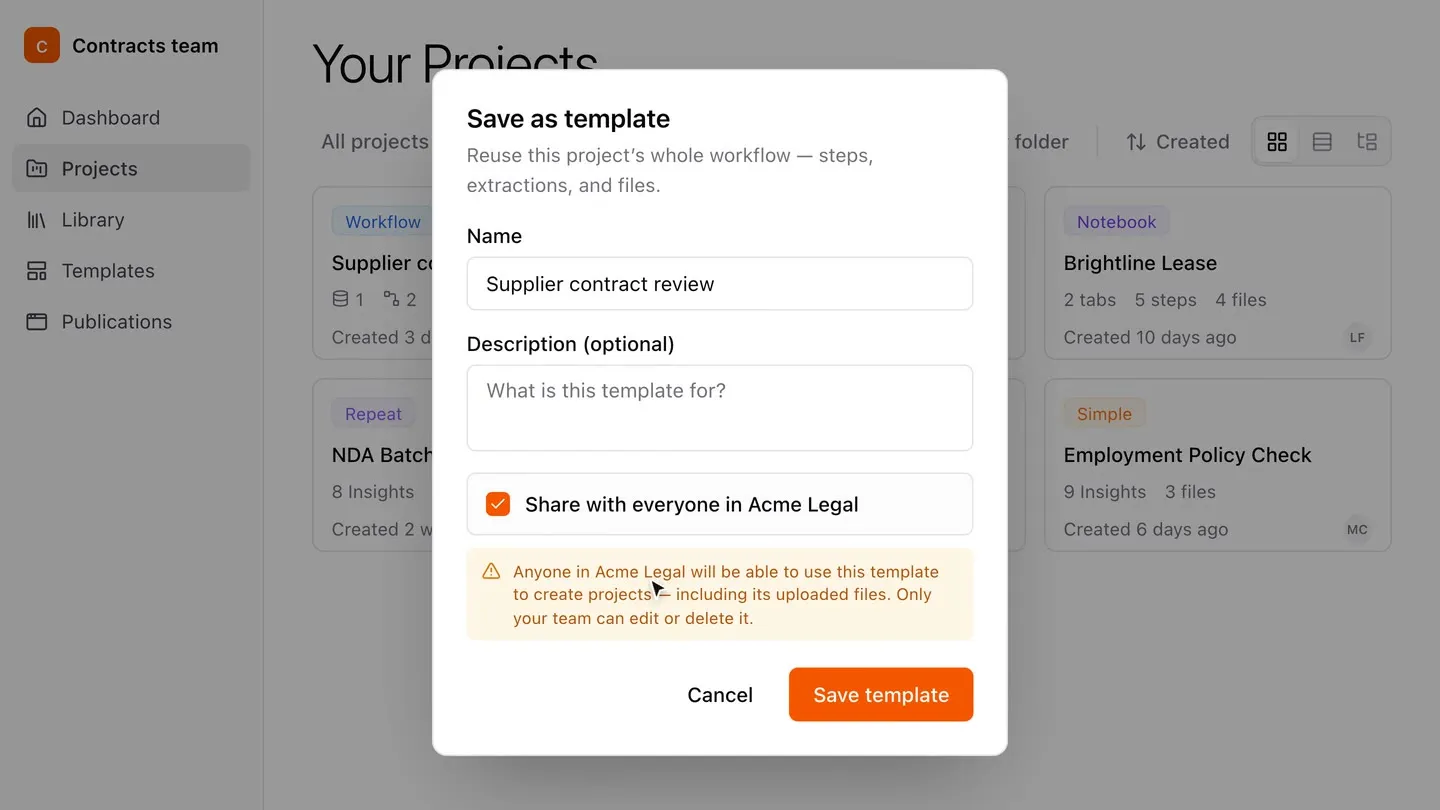
Either can be shared with everyone in your organisation, though only your own team can edit or delete a shared one.
Reusing them: create a new Extraction or project from a template with Use template, or add an Extraction template as a step when building a Workflow (or start from a template in the add-step dialog).
You can also save a whole Notebook as a template, a reusable workflow your team can use for a new set of documents.
Publications
For now, publications are a Workflows feature; the Notebook version is coming soon.
A publication turns a finished Workflow into a simple, branded web page your team can use on their own, with none of the setup. You build the Workflow once, publish it, and share a link. Whoever opens it adds their own documents, Normain performs the analysis, and they get the full result back, every answer with its source, its confidence, and the Trust Panel, plus the finished deliverable to download.
The published page
They open a link to a clean page, not the builder. A typical page has:
- Upload - a place to add their own documents.
- Run - a button that performs the analysis on those documents.
- Results - laid out the way you arranged them, each with its source, confidence, and the Trust Panel for checking.
- Controls - any checklists, each with a clear status.
- Deliverable - the finished document, ready to download.
- Comments - raise a question or attach a file to a finding, without leaving the page.
Your team’s branded document
Any publication can produce a branded document on demand, built from the same layout as the page. It holds the results, their sources, and your branding, made for sending on.
See Notebooks and Deliverables for building the foundation that a publication sits on.